
Membership can be created in the system so that member can get registered with it. A new membership can be created by following these steps:
 to create the membership type.
 to go back to the Membership Types list.
 on Membership Types list and the existing details can be edited.
 on Membership Types list and the Membership Type will be deleted after confirmation from you again (if any member is not associated with the membership type)
 to download the members associated with the membership type as csv.
 to copy the signup URL of selected membership type
 to create a member within the membership type
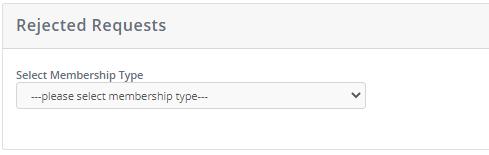
Revoke process is used if the member is rejected. Client can revoke member if he/she wants to apply again after getting rejected, this process is explained in detail below:
A member can be upgraded to another membership through current member list. A member can be upgraded into only one lifetime membership & multiple annual membership if the membership has check on Upgradeable to Other Membership.
Annual membership expires at the end of the year. An expired membership can be renewed by following these steps:
 for specific member renewal.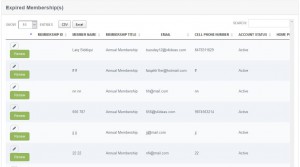
 and user will be redirected to the renewal page.
 to proceed with the payment process. If Membership is free, then user will not be proceeded to payment page. Member will receive a thank you email confirming the renewal, a copy will also be sent to client.
Session can be created under the created event from event list as well navigate from menu. To create sessions, follow these steps:
 you will be directed to session create form
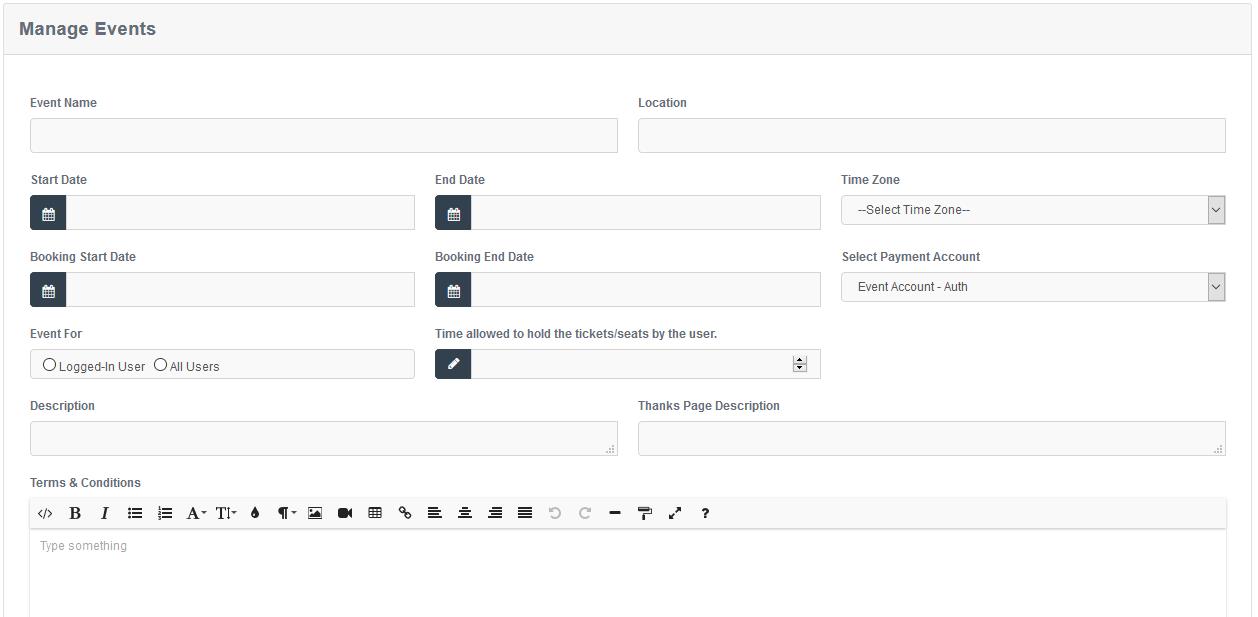 to go back to the Sessions listyou will be redirected to edit where complete information can be edited.button, and you will be redirected on a confirmation page. (if any record is not associated with the session) to create a duplicate session
 to see the summary, status or to edit the chart.
Donation can be created in the system so that member and non-member can donate.
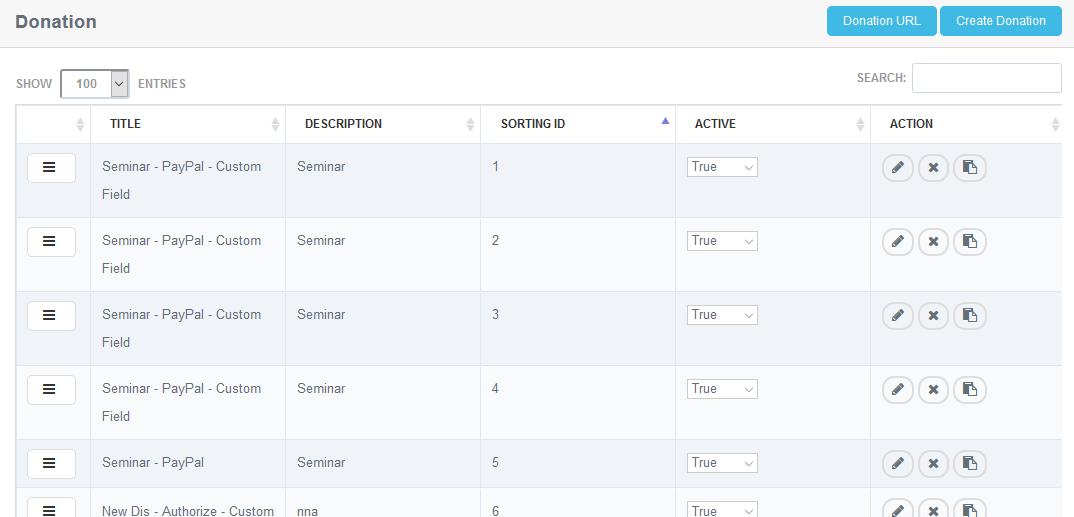
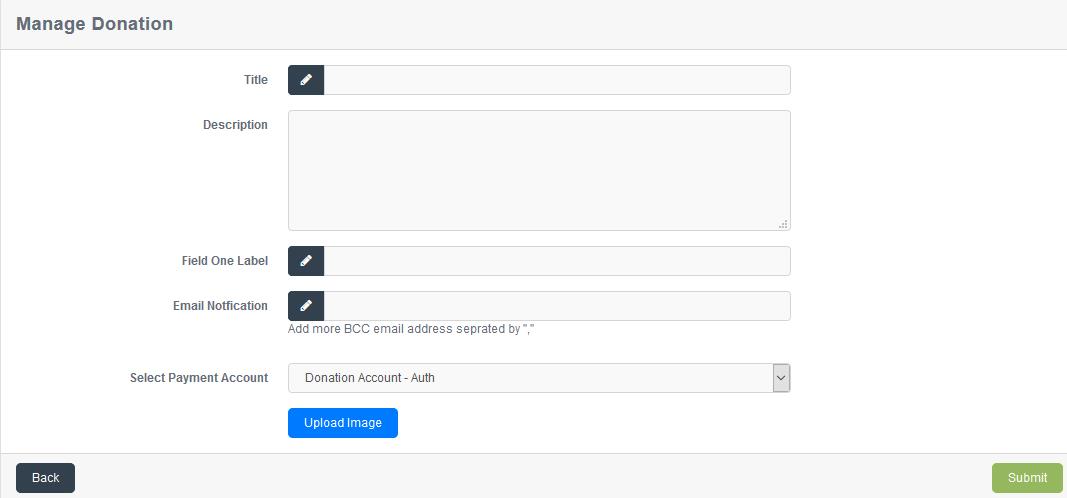 to successfully create the donation.to go back to the donations list. on Donation list and the existing details can be edited. on Donation list and the Donation will be deleted after confirming from you. (if any record is not associated with donation)to create a duplicate Donation
 to copy the URL of donation list.
To create exhibition, follow these steps:
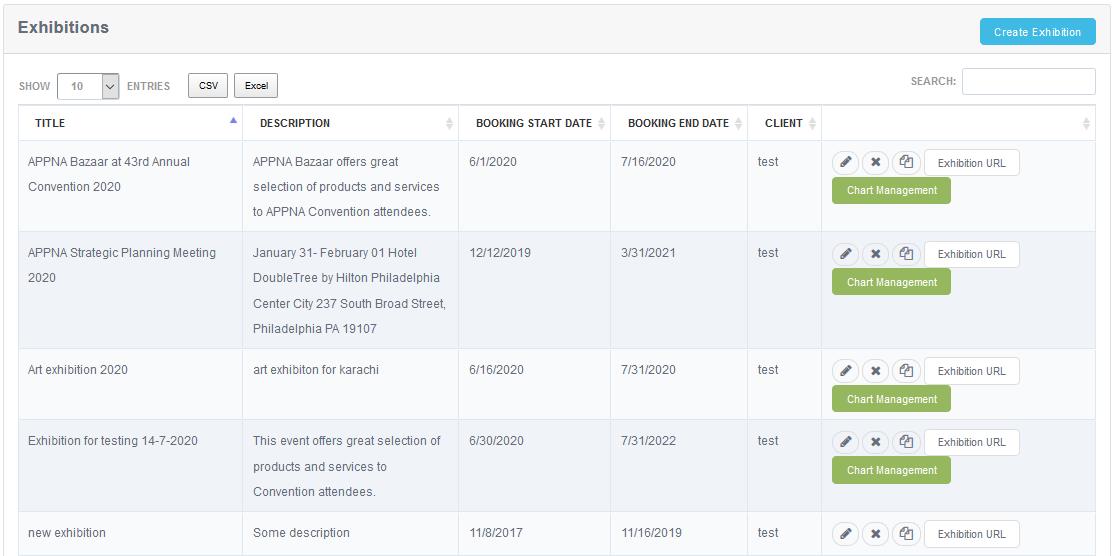
 to proceed with the creation process.to create the exhibition.to go back to the Exhibitionon Exhibition list and the existing details can be edited. on Exhibitions list and the Exhibition will be deleted after confirming from you again (if any record is not associated with the Exhibition), to see the summary, status or to edit the chart.
 , to copy the URL of Exhibitions list.
 ,for quick search.
 ,on each column.
A membership can be upgraded by a member in such a way that after logging – in in the membership portal member should click on Upgrade Membership option on side bar.
This will redirect to the to the member upgrading page.
To upgrade member, follow these steps:
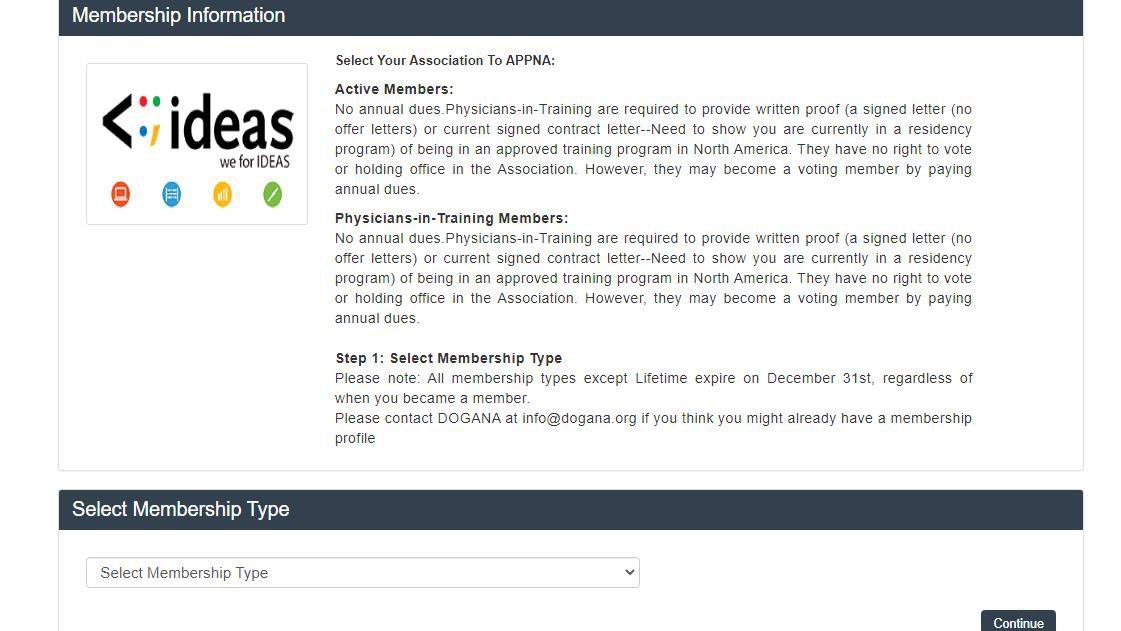
 , you will be redirected on next step
After completing you will be upgraded to lifetime membership and upgrade option will hide because you can only update once. * Members can also upgrade themselves to another membership or lifetime membership through their Portal/ Site.
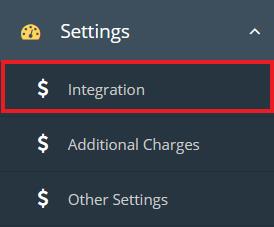
i) Select ‘Constant Contact’ from Email Software dropdown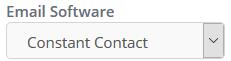
ii) Click on Login with “Constant Contact” button
iii) After successful login client will be redirected to ideas registration website and system will be connected to the client’s Constant Contact account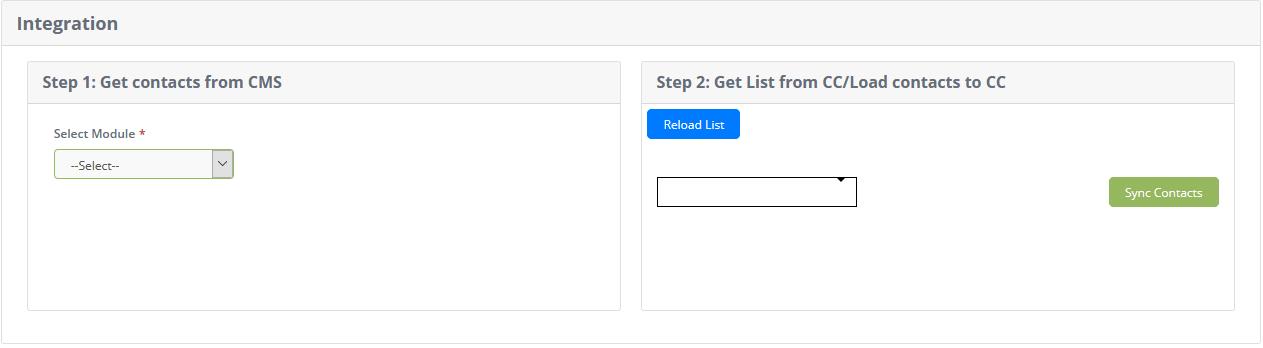
iv) Step1: Get contacts from CMS
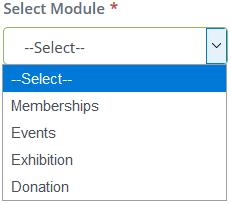
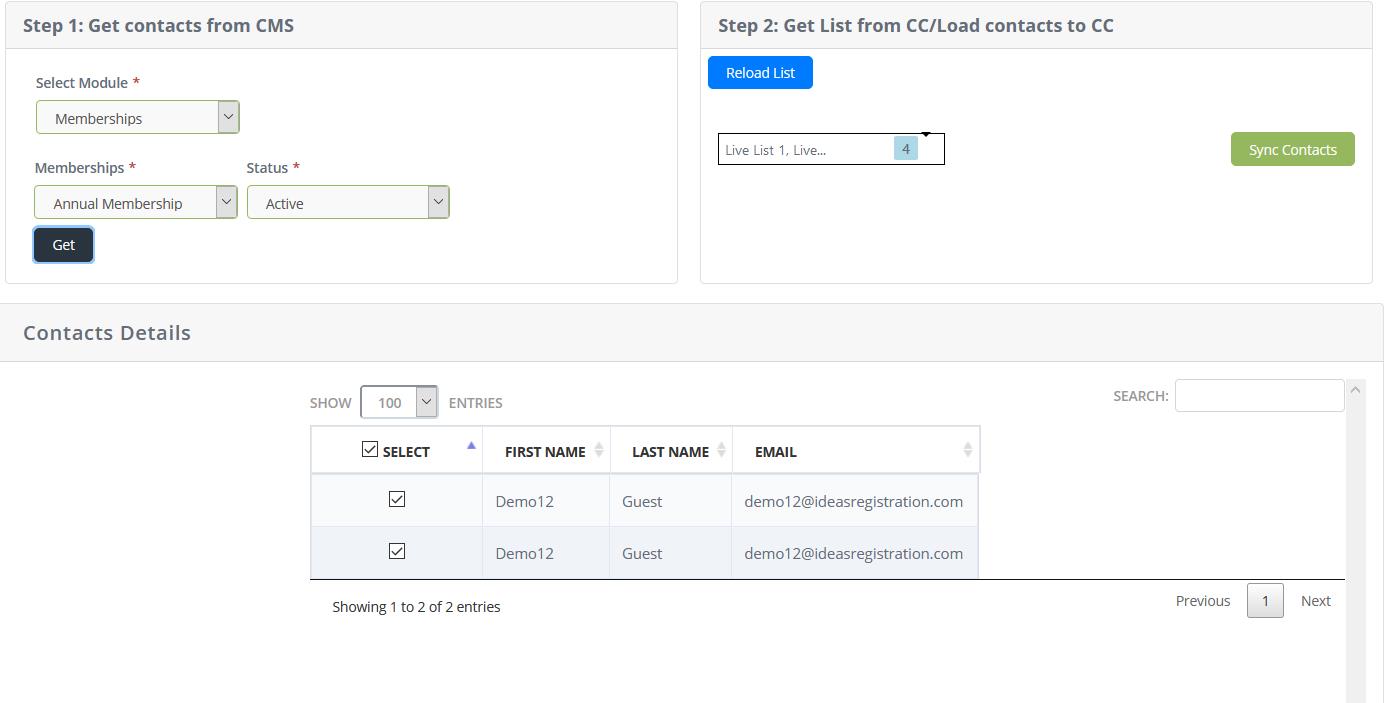

v) Step 2: Get list from CC/Load Contacts to CC
 to load contacts to Constant Contact account.