- Visit the client portal
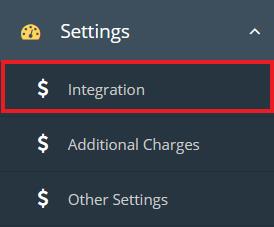
- Expand Setting and select Integration from the menu
- Client will land on the Constant Contact integration page
i) Select ‘Constant Contact’ from Email Software dropdown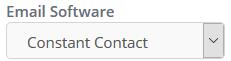
ii) Click on Login with “Constant Contact” button
- OAuth based Login
- Client will be redirected to the constant contact website
- Client needs to provide username and password and login in order to complete OAuth based login
iii) After successful login client will be redirected to ideas registration website and system will be connected to the client’s Constant Contact account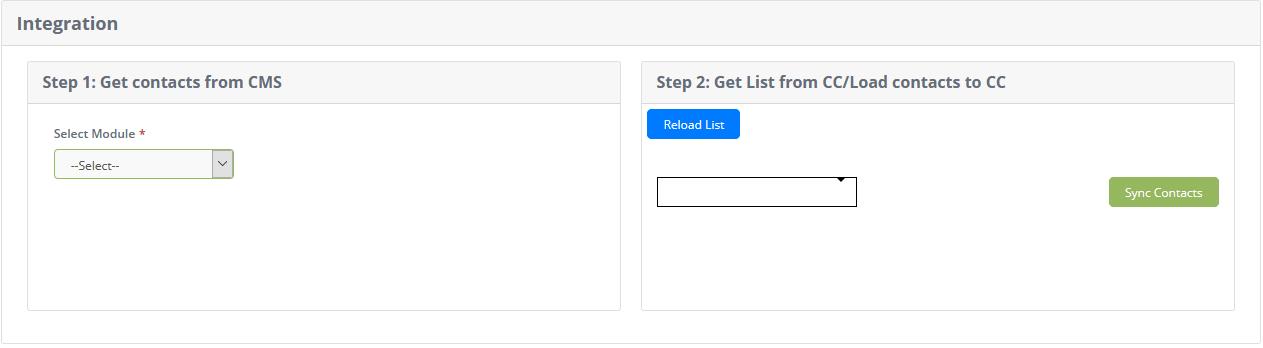
iv) Step1: Get contacts from CMS
- Select module and list details
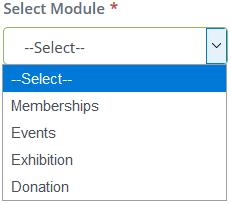
- A list will be displayed according to the selected values
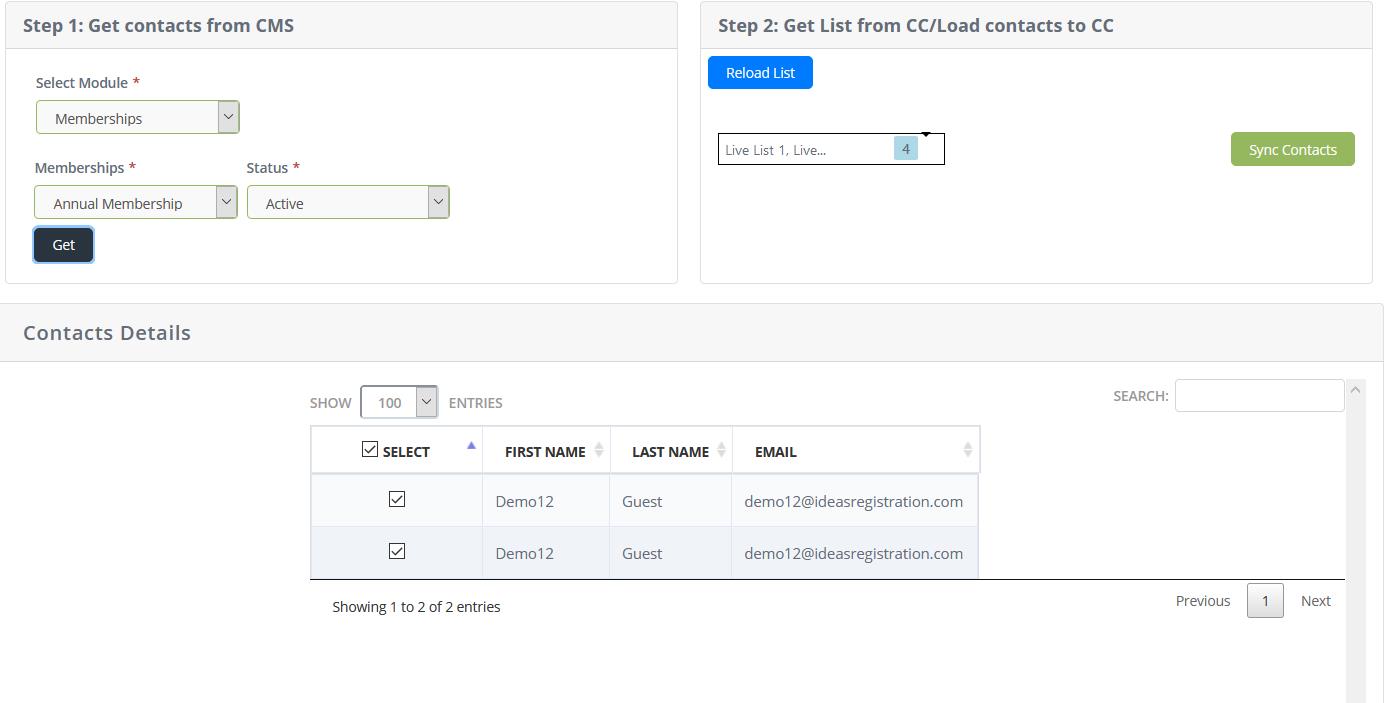
- List can be resorted by clicking on sorting option on each column.
- Search box can be used, for quick search.
- Select option can be used to select or unselect the email contact

v) Step 2: Get list from CC/Load Contacts to CC
- Select one or more lists from dropdown
- Click on “Sync Contacts” button
 to load contacts to Constant Contact account.