Donation can be created in the system so that member and non-member can donate.
- Visit client portal
- Navigate to the menu click on Donation and you will land on Donation page, an existing donation list will be seen (if any)
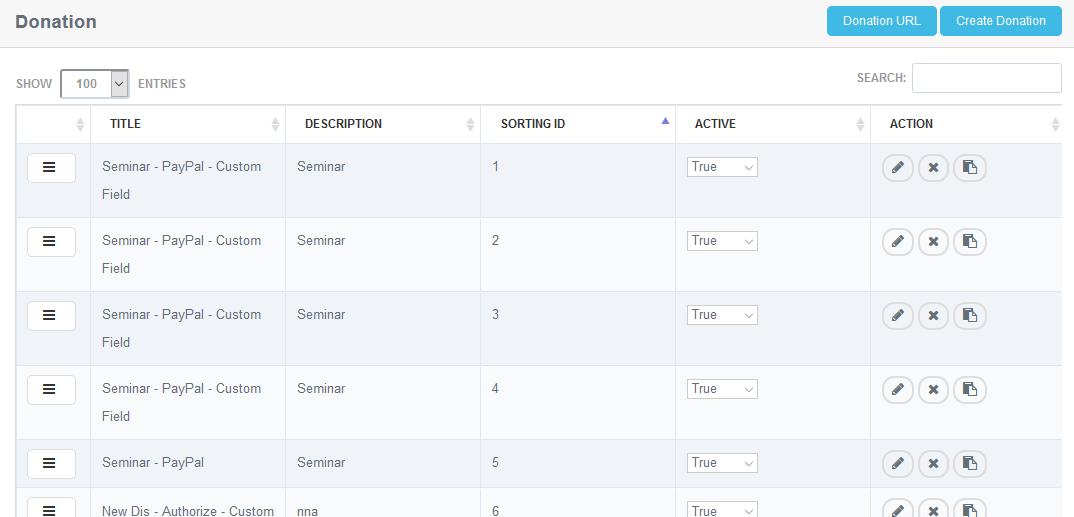
- Click on create button, to create a new donation
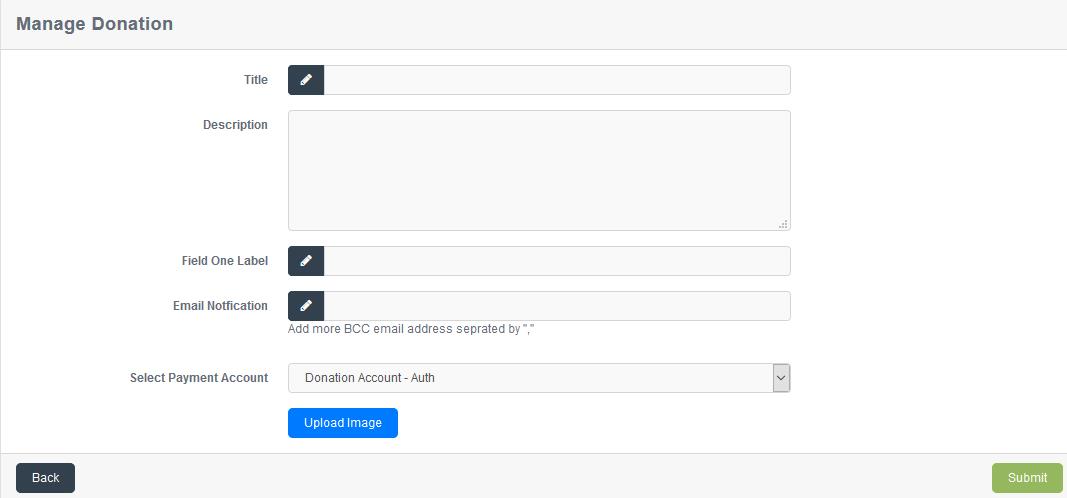
- Fill in the information and click on submit button
 to successfully create the donation.
 - Click on the back button
 to go back to the donations list.
 - To update an existing Donation, click on the edit icon
 on Donation list and the existing details can be edited.
 - To delete an existing Donation, click on the delete icon
 on Donation list and the Donation will be deleted after confirming from you. (if any record is not associated with donation)
 - Click on the duplicate button
 to create a duplicate Donation
 - Click on the donation URL button
 to copy the URL of donation list.
 - Donation list can be accessed without logging in, can be shared and posted anywhere.