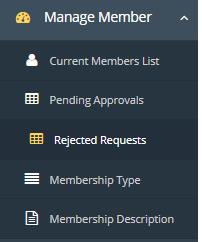
Revoke process is used if the member is rejected. Client can revoke member if he/she wants to apply again after getting rejected, this process is explained in detail below:
- Then go to the Membership rejected requests.
![]()
- Select your membership from the dropdown list.
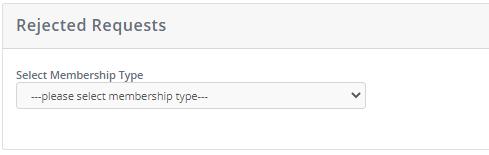
- Once you select the member you will see Revoke button
- Once you click on revoke the request would be moved to pending requests and removed from rejected request.
- From pending requests you can approve it again.