A member can be upgraded to another membership through current member list. A member can be upgraded into only one lifetime membership & multiple annual membership if the membership has check on Upgradeable to Other Membership.
- After creating a member, the member would appear in Current Membership List with the Upgrade sign in action column.
- Click on upgrade it will take to the screen of upgrade membership where you would select the same or different membership as per your choice.
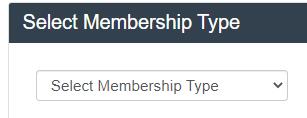
- After selecting the membership type you can fill the form and process to the new membership.
- Then the member would be again in the current member list with the history record of its membership types.
- You will receive an email of upgrading the membership into new membership.
- If you want to upgrade the membership again then apply the same process to upgrade the membership in any other membership type.
- If you upgrade your membership into lifetime membership, then you won’t need to upgrade your membership because it would not be upgradeable anymore.