A membership can be upgraded by a member in such a way that after logging – in in the membership portal member should click on Upgrade Membership option on side bar.
This will redirect to the to the member upgrading page.
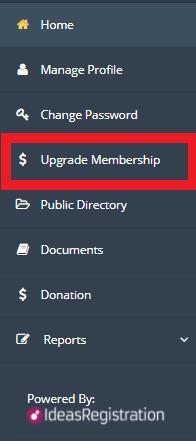 To upgrade member, follow these steps:
- Click on Upgrade Membership from main menu to upgrade the membership and you will be redirected to the member upgrading page. To upgrade member, follow these steps:
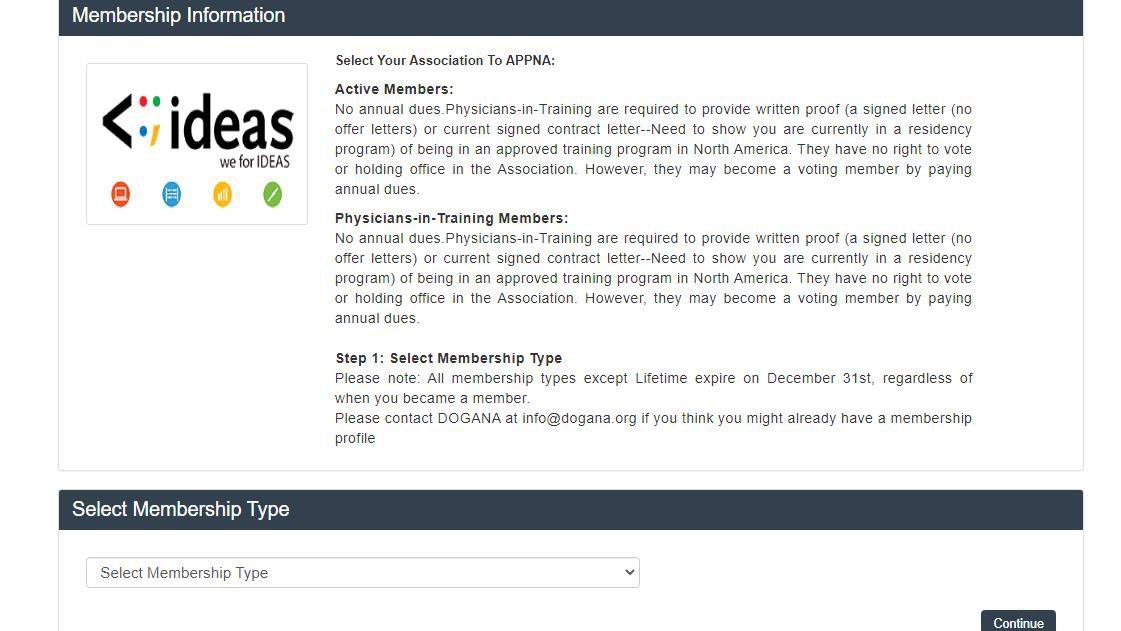
- Select Membership Type and click on continue
 , you will be redirected on next step
 - Fill in the complete information which is not already provided
- Proceed with the payment process.
After completing you will be upgraded to lifetime membership and upgrade option will hide because you can only update once. * Members can also upgrade themselves to another membership or lifetime membership through their Portal/ Site.