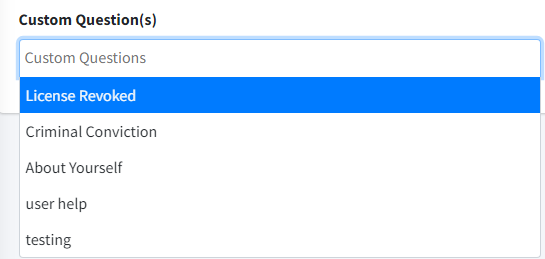
The custom question feature can be added to the sign-up form for any membership, enabling you to collect answers during the registration process.
To configure this feature, follow these steps:
- Expand “Manage Members” and select the “Membership Questions.”
- Click on the
 button.
 - Fill in the necessary information.
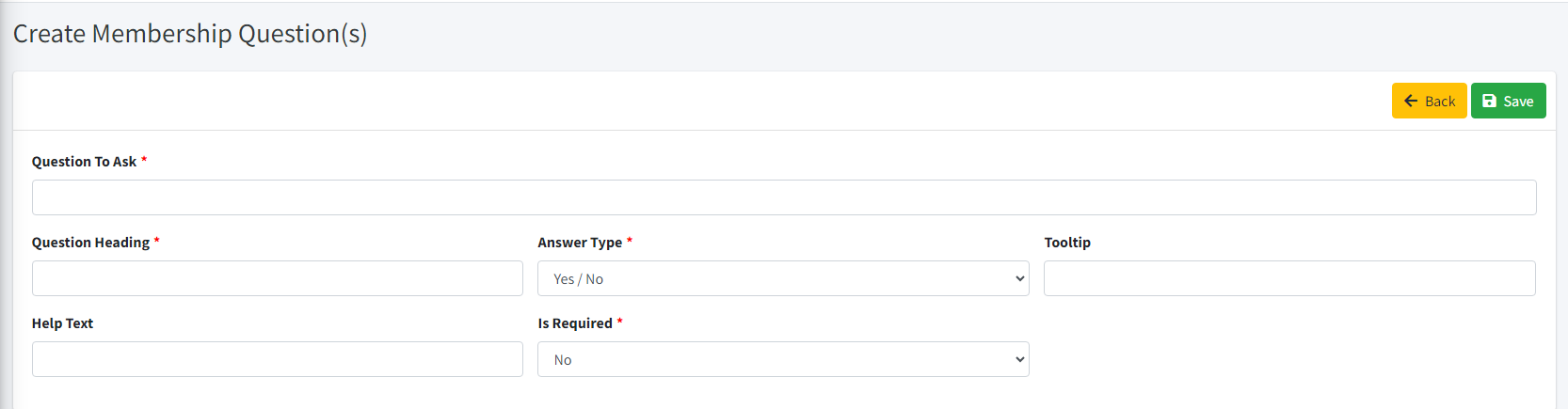
- Click on “Save button.
- After creating the custom question, proceed to update Membership Type, select membership and click on the edit button on existing membership.
- Select the appropriate heading type using dropdown and click on “Save.”