
To view any invoice for Trips & Tours, follow these steps;
- Visit client Portal
- Navigate to Trips & Tour from the menu, Client will land on the Trip(s) Revenue summary Report page.
- Click on invoice view
 to view complete invoice.
- Select Trip and click on get invoice

- By clicking on edit
 you will be redirected to edit where complete information can be edited.
 - By clicking on email invoice,
 you will receive Invoice in email
 - List can be resorted by clicking on sorting option
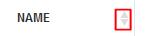 on each column.
 - Search box can be used
 , for quick search.
 - List can be exported to csv or Excel formal by clicking on.

- Click on
 to view complete Revenue detail.
- Click on
 to show all active invoices.
- Click on
 to show all Cancelled invoices.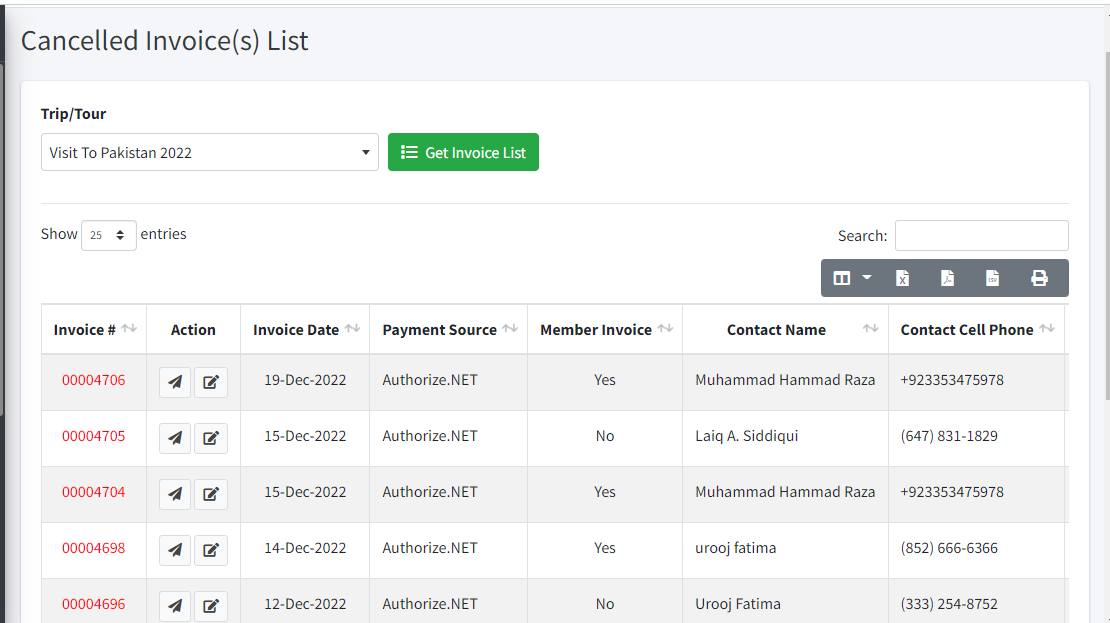
- Click on
 to show all invoices.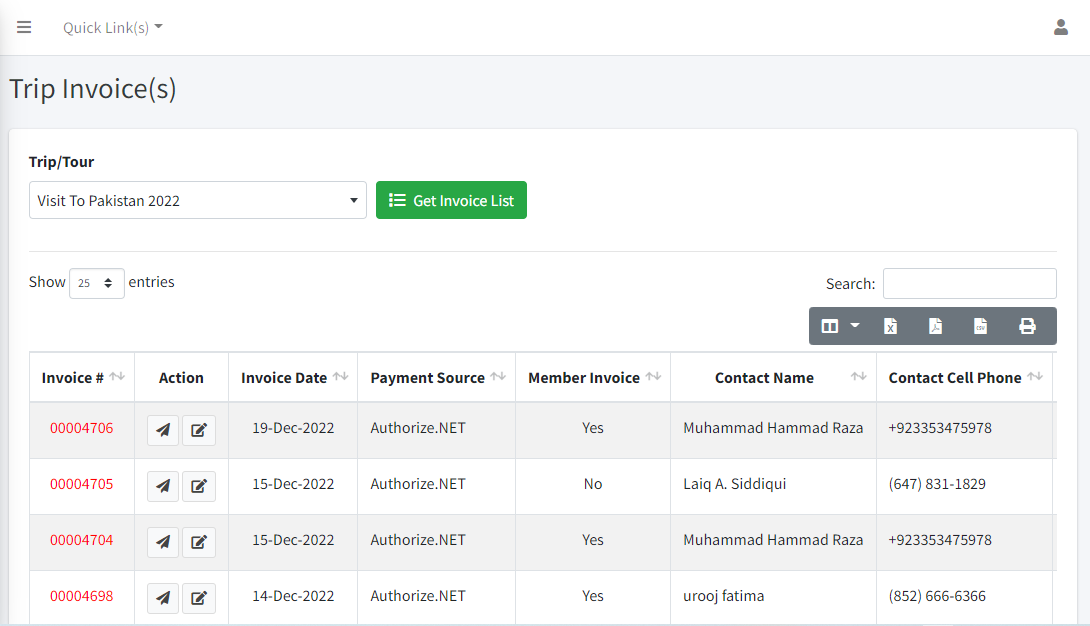
- Click on button
 redirecting to go Trip(s) Revenue Summary report.