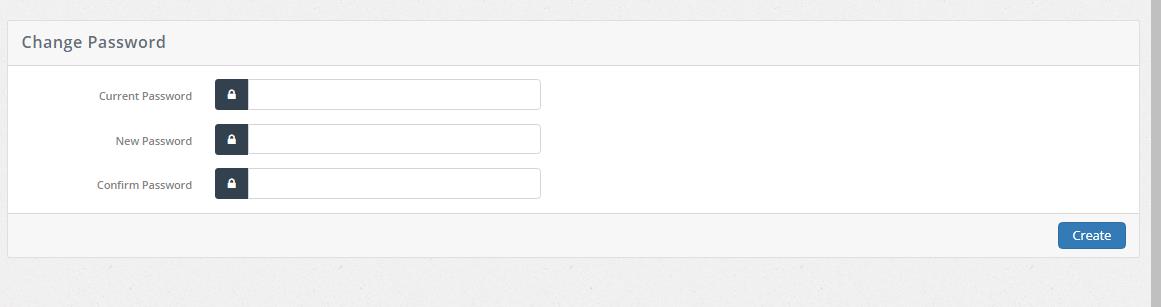
 Click on the change password from main menu and member will be redirected to password changing page. To change password please follow these steps:
- Please enter your current password
- Type a new password
- Retype to confirm new password
- Click on create button
 to complete the process of password changing